Streamline Your ESL Teaching Routine: Time-Saving Hacks by Amanda @educatools
April 16, 2025
Table of Contents
- Administrative Task Management
- When you have a lot of students, administrative tasks can be time-consuming. Managing schedules, rescheduling classes, checking payments and attendance, and sending homework involves a lot of work. How do you manage all of these tasks efficiently?
- Do you use any digital tools to help with administrative work? If so, which ones do you find most helpful?
- Lesson Planning Efficiency
- How do you approach lesson planning to ensure your classes are both engaging and time-efficient?
- Can you share any specific tools or resources you use to streamline the lesson-planning process?
- What advice would you give to teachers struggling with planning lessons quickly?
- Balancing Personal and Professional Life
- Balancing teaching with personal life can be challenging. How do you maintain a healthy work-life balance?
- What are some of the boundaries you set to ensure you have time for yourself outside of work?
- Can you share any tips for scheduling personal time while managing a busy teaching schedule?
- Technology Integration
- Technology plays a big role in modern teaching. What are your favorite tech tools that help you teach more efficiently?
- How do you integrate technology into your classroom to enhance student engagement and learning?
- What advice do you have for teachers who are new to using technology in their lessons?
- Self-Care and Avoiding Burnout
- Teaching is demanding. How do you prioritize self-care to avoid burnout?
- Can you share some of your self-care routines that help you stay energized and motivated?
- What advice would you give to teachers who are feeling overwhelmed and struggling to manage stress?
Amanda is an experienced English teacher specializing in private lessons for students of all proficiency levels. She holds a degree in Pedagogy and has completed postgraduate studies in Psychopedagogy and Neurosciences. Currently, she is pursuing a postgraduate degree in Instructional Design to further enhance her skills in creating educational materials. Amanda's teaching approach is clear, direct, and friendly, always focused on meeting the individual needs of her students.
She has developed courses such as "EducaSlides," which focuses on creating effective and engaging educational slides, and "Plan with Me," a course designed to help educators refine their lesson-planning skills. Amanda also shares teaching tips and strategies on her Instagram profile, building an engaged community of educators. Additionally, she partners with higher education institutions, contributing to the training of future translators and interpreters. Her passion for education and innovation drives her to create content that positively impacts the teaching practices of fellow educators.
Administrative Task Management
When you have a lot of students, administrative tasks can be time-consuming. Managing schedules, rescheduling classes, checking payments and attendance, and sending homework involves a lot of work. How do you manage all of these tasks efficiently?
Managing administrative tasks efficiently is essential for me, especially when you have a lot of students and other demands like creating materials and offering courses for teachers. I’ve found that staying organized is key, and I rely on a combination of digital tools and strategies to keep everything running smoothly.
Do you use any digital tools to help with administrative work? If so, which ones do you find most helpful?
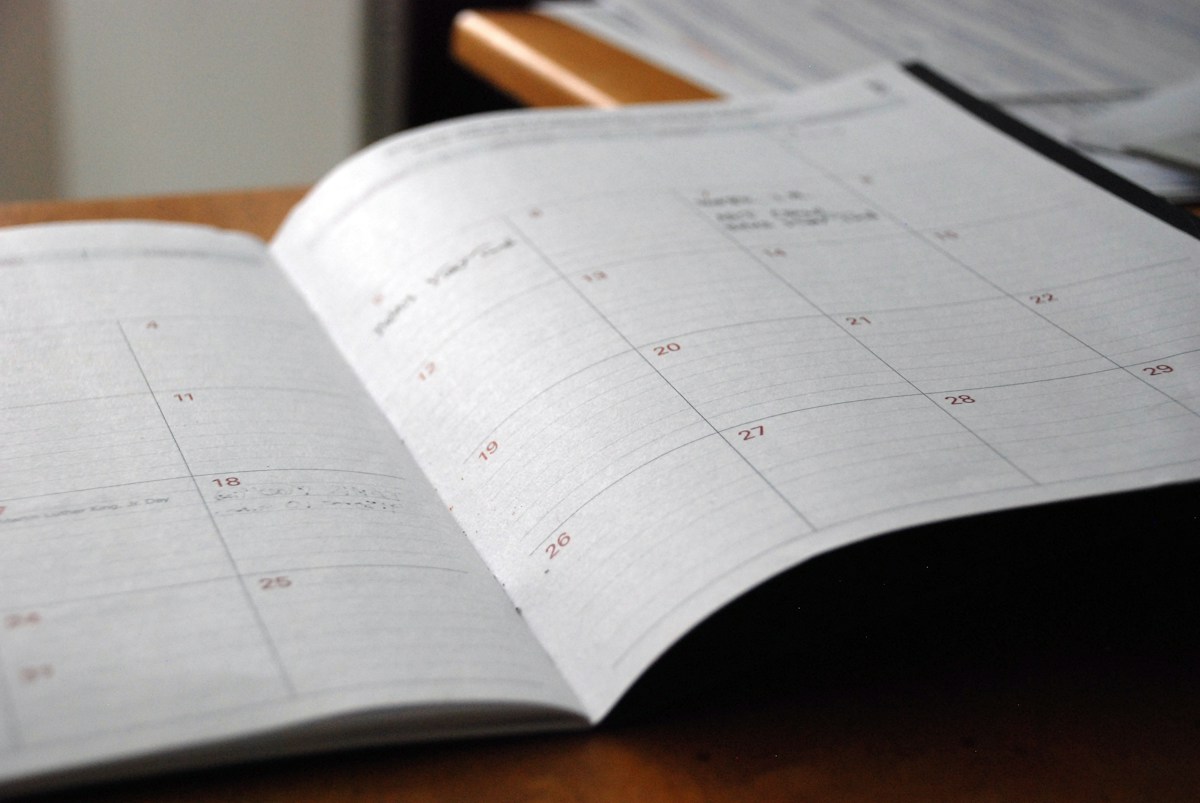
For scheduling and rescheduling classes, I use Google Calendar. It’s a simple but powerful tool that helps me manage my time effectively. I can set up reminders, send invitations to students, and even block off time for lesson planning or administrative work. For payment tracking and attendance, I use Google Sheets. It allows me to create sheets where I can monitor payments, track attendance, and keep notes on each student’s progress. If I need to take notes about my students during class, I use a simple notebook.
When it comes to homework, I prefer to send assignments via WhatsApp. It’s direct, and I can easily follow up if a student hasn’t completed their work. I also use Google Drive to store and share resources, so students always have access to what they need, and I don’t have to worry about losing track of materials.
Tips: To stay organized, I set aside specific times during the week for administrative tasks. This way, I’m not constantly switching between teaching and admin work, which helps me stay focused. I also create brain dump lists to keep track of daily to-dos, ensuring that nothing falls through the cracks.
Lesson Planning Efficiency
How do you approach lesson planning to ensure your classes are both engaging and time-efficient?
When it comes to lesson planning, my primary goal is to create lessons that are both engaging for my students and time-efficient for me. To achieve this, I start by focusing on the learning objectives and then build my lessons around activities that will help students interactively meet those objectives. I also like to adapt the lesson according to my students’ needs. Creating a lesson that is relevant to my student and that meets his/her needs in terms of language is the perfect recipe for me.
Can you share any specific tools or resources you use to streamline the lesson-planning process?
I use a variety of digital tools and resources to streamline the process. For example, platforms that offer ready-to-use materials, like esl.laboratory, are invaluable. They save me a lot of time by providing high-quality resources that I can quickly adapt to my students' needs. These platforms often include worksheets, lesson plans, and interactive activities that are ready to go, which means I can spend less time creating materials from scratch and more time personalizing the content for my students.
In addition to these platforms, I also use tools like Google Slides for creating visual presentations and Canva for designing engaging visuals and worksheets. These tools are user-friendly and allow me to create materials efficiently.
What advice would you give to teachers struggling with planning lessons quickly?
For teachers who are struggling with planning lessons quickly, my advice would be to start with the end in mind. Focus on what you want your students to learn by the end of the lesson and then work backward to create activities that lead to that goal. Also, don't hesitate to leverage ready-to-use materials. They can significantly reduce planning time and often provide inspiration for activities you might not have thought of. Lastly, consider setting up templates for your lessons. Having a consistent structure can save a lot of time and make the planning process more efficient.
Balancing Personal and Professional Life
Balancing teaching with personal life can be challenging. How do you maintain a healthy work-life balance?
Balancing teaching with personal life is indeed challenging, but I believe it’s essential for both personal well-being and professional effectiveness. To maintain a healthy work-life balance, I make it a priority to set clear boundaries between work and personal time. I used to plan my lessons on Sunday but now I prefer doing it on Monday morning, so I reallocated some students so I could enjoy my weekend fully. I’m not going to lie, I do work on weekends sometimes, but it’s not something so usual like before.
What are some of the boundaries you set to ensure you have time for yourself outside of work?
One of the key boundaries I set is having a designated 'cut-off' time for work. I make sure that after a certain hour, I dedicate myself entirely to my personal development like reading and going to the gym. Of course, sometimes an idea comes up and I take notes on my phone, but I make sure I don’t work on this idea until the next day or when I take a specific time for this kind of task. This helps me unwind and fully engage in personal activities without feeling like I’m still 'on the clock.' I also never skip going to the gym, it’s something I do every single day.
Can you share any tips for scheduling personal time while managing a busy teaching schedule?
To ensure I have time for myself, I use scheduling tools like Google Calendar, not just for work but also for personal activities. By actually blocking out time for non-work-related activities, I can better manage my time and avoid overloading my schedule with work tasks. I also practice prioritizing—if something can wait until the next day, I let it wait, rather than pushing myself to complete everything in one go. So don’t hesitate to delegate or say no to tasks that aren’t urgent or necessary. Sometimes, a little breathing room in your schedule can make all the difference in how you feel at the end of the day.
Technology Integration
Technology plays a big role in modern teaching. What are your favorite tech tools that help you teach more efficiently?
I’m always exploring new tools to enhance both my teaching efficiency and student engagement. Some of my favorite tech tools include Google Slides, Google Calendar, Wordwall, Cool English, and ClassroomScreen.
How do you integrate technology into your classroom to enhance student engagement and learning?
When it comes to integrating technology into the classroom, I aim to use tools that complement the lesson objectives and actively engage students. For example, I use interactive presentations with Google Slides, where students can collaborate in real-time on shared documents. This not only makes lessons more interactive but also encourages student participation. I also incorporate games, videos and songs to cater to different learning styles and keep the class lively.

What advice do you have for teachers who are new to using technology in their lessons?
For teachers who are new to using technology in their lessons, my advice is to start small. Choose one or two tools that you feel comfortable with and gradually integrate them into your teaching. Don’t try to adopt too much at once—focus on mastering a few tools that can really make a difference in your classroom. Remember that technology is there to support your teaching, not to replace it. The goal is to enhance the learning experience, so always keep your students’ needs at the center of your tech choices.
Self-Care and Avoiding Burnout
Teaching is demanding. How do you prioritize self-care to avoid burnout?
I make it a point to recognize the signs of stress early and take proactive steps to maintain my well-being. Self-care isn’t just a luxury—it’s a necessity for staying energized and motivated in such a demanding profession. My therapist once said that, because our jobs are very tiring mentally, laying down in the middle of the afternoon won’t help and make us feel more rested. So the key is always to find better ways to relax our minds.
Can you share some of your self-care routines that help you stay energized and motivated?
One of my key self-care routines is staying active. I find that spinning classes and swimming do wonders for my energy levels and mental clarity. Physical activity helps me release stress and keeps me feeling refreshed. I also make sure to schedule time for hobbies, socializing, and relaxation, treating these activities with the same importance as work tasks.
What advice would you give to teachers who are feeling overwhelmed and struggling to manage stress?
For teachers who are feeling overwhelmed and struggling with stress, my advice is to first acknowledge that it’s okay to feel this way— it’s important to give yourself permission to take breaks and prioritize your well-being. Don’t hesitate to reach out for support, whether from colleagues, friends, or professional resources. Start by identifying small self-care activities that bring you joy or relaxation and make them a non-negotiable part of your routine and remember that you can’t pour from an empty cup—taking care of yourself ultimately makes you a better teacher.